Understanding FRP and Its Impact
The Factory Reset Protection (FRP) is a security feature designed by Google to protect Android devices from unauthorized access. However, it can sometimes become a hurdle for legitimate owners who have forgotten their Google account credentials or purchased a second-hand device. For Samsung A22 4G users facing this issue, finding a reliable Samsung A22 4G FRP unlock method is crucial to reclaim their device.
FRP bypass techniques have evolved over time, with various tools and methods being developed to cater to different Android versions and device models. The Samsung A22 4G, being a popular choice among Android users, has its own set of FRP unlock solutions. Before diving into the process, it's essential to understand the risks involved and the importance of choosing a method that is both safe and effective.
Preparation is Key: Requirements for FRP Unlock
Before starting the FRP bypass process, ensure you have the necessary tools and information. This typically includes a computer with internet access, a compatible USB cable, and the device itself. For some methods, additional tools or software may be required, such as the Samsung FRP bypass tool or a USB driver for the Samsung A22 4G. It's also crucial to choose a method that is compatible with your device's Android version to avoid any complications.
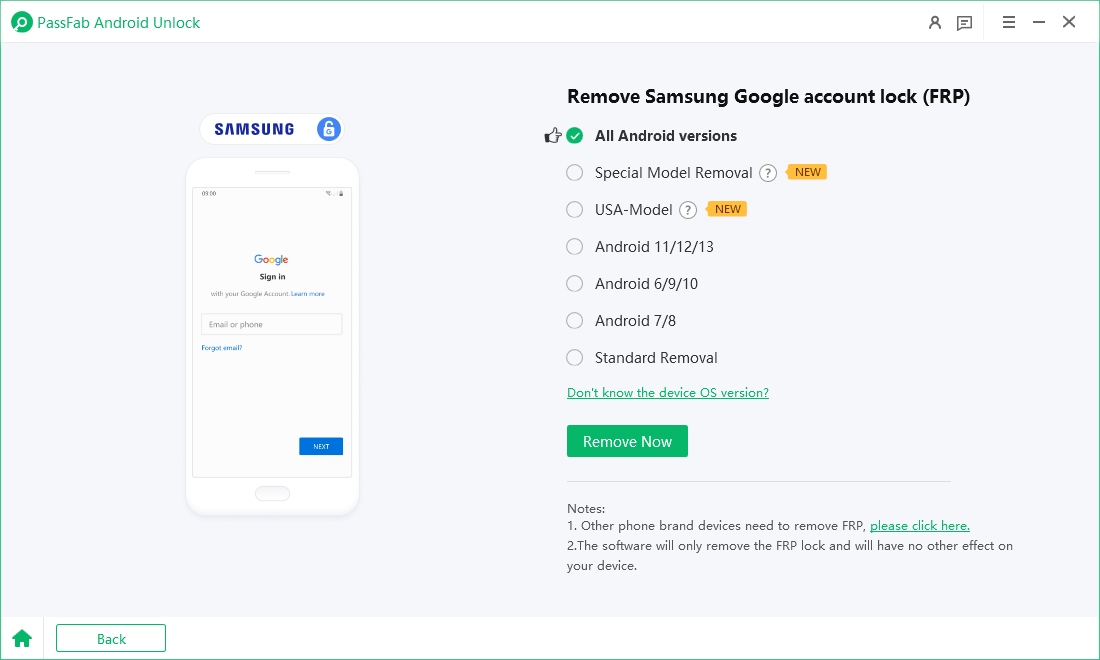
A reliable Samsung A22 4G FRP unlock simple guide will walk you through the preparation phase, ensuring you're well-equipped for the process. This includes downloading the necessary software, enabling USB debugging (if the device is accessible), and backing up any important data, if possible.
The Unlock Process: A Simplified Approach
With the right tools and a bit of patience, unlocking your Samsung A22 4G from FRP can be a straightforward process. Most methods involve connecting your device to a computer, running a specific software or tool, and following the on-screen instructions to bypass the FRP lock. The process can vary depending on the Android version and the tool being used, but a good Samsung A22 4G FRP unlock simple guide will provide step-by-step instructions to make the process as smooth as possible.
- •Rusted Warfare Modern Warfare Mod: The Ultimate Game-Changer In Gaming
- •PUBG Mobile Season 5: Unleashing The Ultimate Crate Opening Experience
- •Revolutionizing Education: A Comprehensive Guide To Rubrik Penilaian Presentasi Kurikulum Merdeka
- •Ryan Seacrest At 50: The Voice Of American Stimulation Across Television's Greatest Era
- •Unlocking The Secrets Of Online Lingo: Pn Meaning In Chat Demystifying The Meaning Behind Pn In Online Communication
Some methods may require you to download and flash specific firmware or use a combination of keys and ADB commands to temporarily disable the FRP feature. The key to success lies in choosing a method that is well-documented and supported by a community or developer, in case you encounter any issues during the process.
Post-Unlock Considerations and Security
After successfully bypassing the FRP, it's essential to secure your device and Google account. This includes setting up a new Google account or recovering the old one if you've forgotten the credentials. Additionally, updating your device to the latest Android version and security patch can help protect against future FRP issues and other security vulnerabilities.
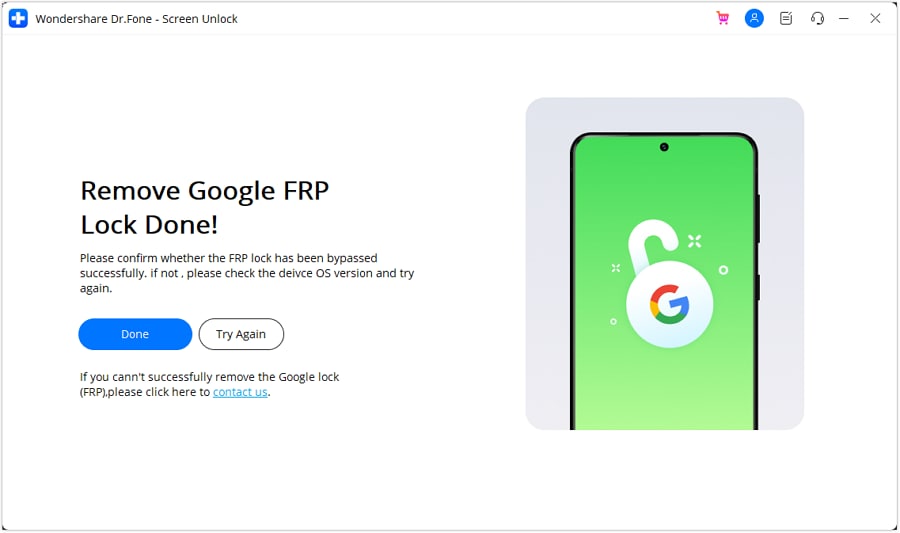
A Samsung A22 4G FRP unlock simple guide to reclaiming your device isn't just about bypassing the security feature; it's also about ensuring your device is secure and ready for use afterward. By following best practices for device security and keeping your software up to date, you can enjoy uninterrupted use of your Samsung A22 4G.
Conclusion: Reclaiming Your Samsung A22 4G
Reclaiming your Samsung A22 4G from the FRP lock can seem daunting, but with the right approach, it's definitely achievable. Whether you're looking for a DIY solution or preferring to use specialized software, the key to success lies in choosing a method that is compatible with your device and following the instructions carefully. Remember, the goal of a Samsung A22 4G FRP unlock simple guide is not just to bypass the FRP but to empower you with the knowledge and tools necessary to fully enjoy your device, secure and worry-free.
By understanding the process, preparing accordingly, and taking the necessary steps to secure your device post-unlock, you can successfully reclaim your Samsung A22 4G and make the most out of its features and capabilities. Always prioritize your device's security and consider seeking professional help if you're unsure about any part of the FRP bypass process.
Additional context and verified research data can be verified on Wikipedia's Public Archives.

![Complete Guide on Samsung S22 FRP Bypass [2024]](https://i2.wp.com/images.wondershare.com/drfone/guide/bypass-google-frp-on-samsung.png)
